
zebian
zebian

Zebian 13. ZFS by design.

Debian 13 + ZFS Root + ZFS Boot Menu

zebian-0.15.52.261012-amd64.iso
91843ae00fb5d86e13ef6bdf1e9cc12ca85c66478c7ad3094c141d64d79f78e9

Debian 13 + ZFS Root + ZFS Boot Menu

  • ZBM boot on EFI and BIOS
  • Native ZFS encryption: one passphrase, asked by ZBM at boot (opt in)
  • Reinstall that keeps your pool and your /home
  • Installs offline: every option ships on the medium
  • Stable kernel upgrades with DKMS build stack (opt out); ZBM keeps the last good kernel one keypress away

Safe by default

  • Firewall on from the first boot: everything in blocked, everything out allowed (opt out)
  • SSH open (opt out); the RDP port opens only when the RDP server is installed; VM networks pass through
  • webzfs: pools, datasets, snapshots and SMART health in a browser, on localhost only, with your own login (opt in)
  • Serial console login on ttyS0 (opt out); passwordless root on serial only if you ask for it
  • Memory-aware: warns before a desktop install on under 4 GB, caps the ZFS cache and single-threads DKMS on small machines

The right defaults

  • Dark mode
  • US-English-UTF8 by default for any timezone and keyboard
  • Flatpak and Flathub in Discover
  • Non-FOSS drivers and firmware (opt out)
  • Command-line toolbox: vim, mc, git, htop, ripgrep, nc, fzf, tmux, uv and friends (opt out)

Everything is optional

  • KDE Plasma (Wayland)
  • RDP server with lightweight X11 XFCE, alongside a console Plasma session
  • Virt-Manager preconfigured with KVM + LXC + zvols
  • ZFS Auto Snapshots
  • Swap on zvols
  • Firefox ESR

Caveats

  • Secure Boot must be off: the installer checks and refuses rather than leave an unbootable disk
  • Did not pass any security review yet...
  • Kernel updates take extra time for building the DKMS kernel modules
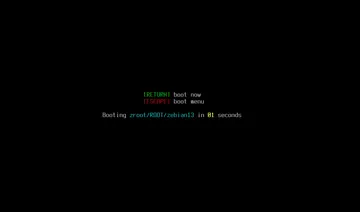
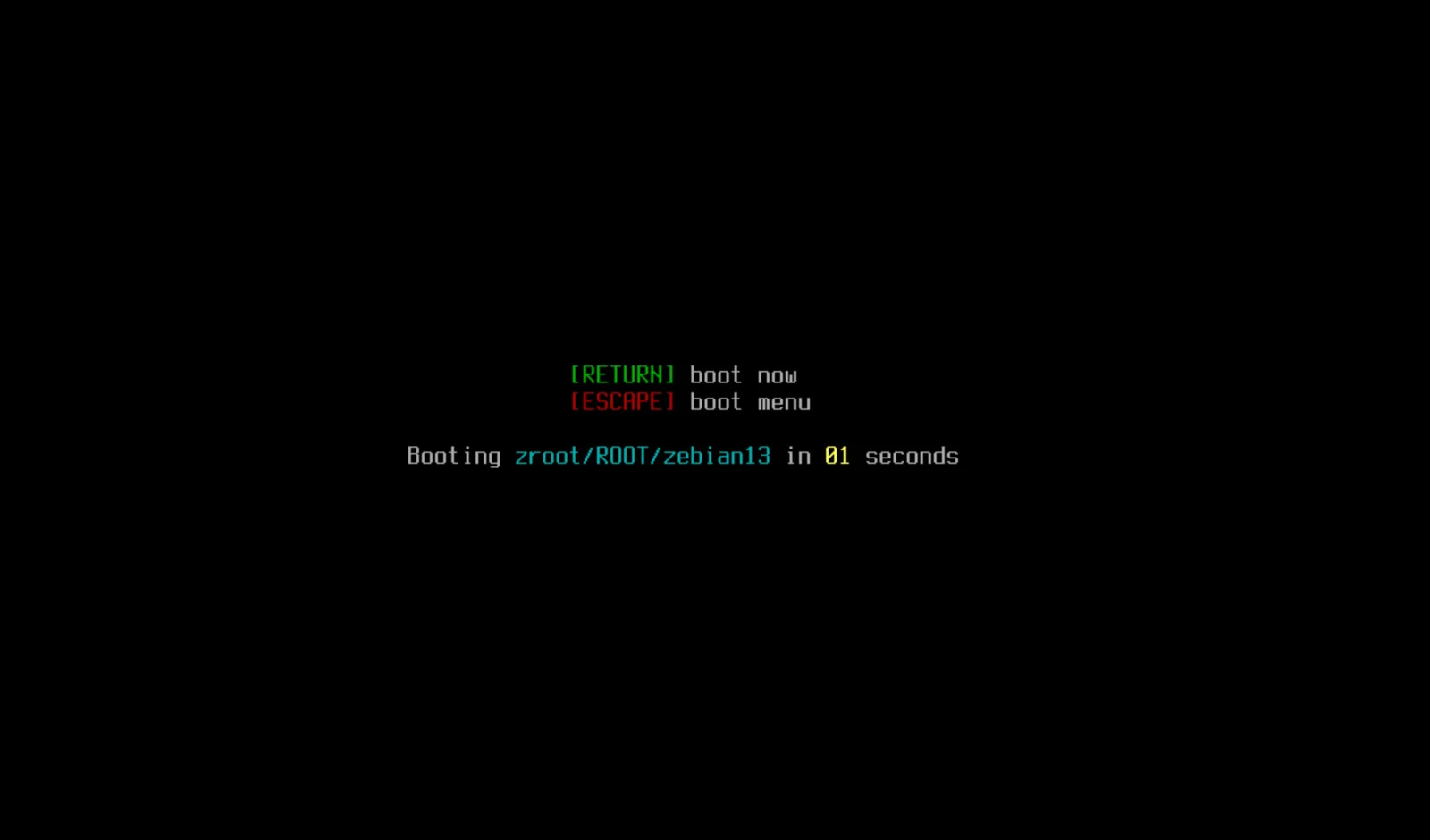
ZFS Boot Menu countdown booting zroot/ROOT/zebian13
ZBM boot on EFI and BIOS
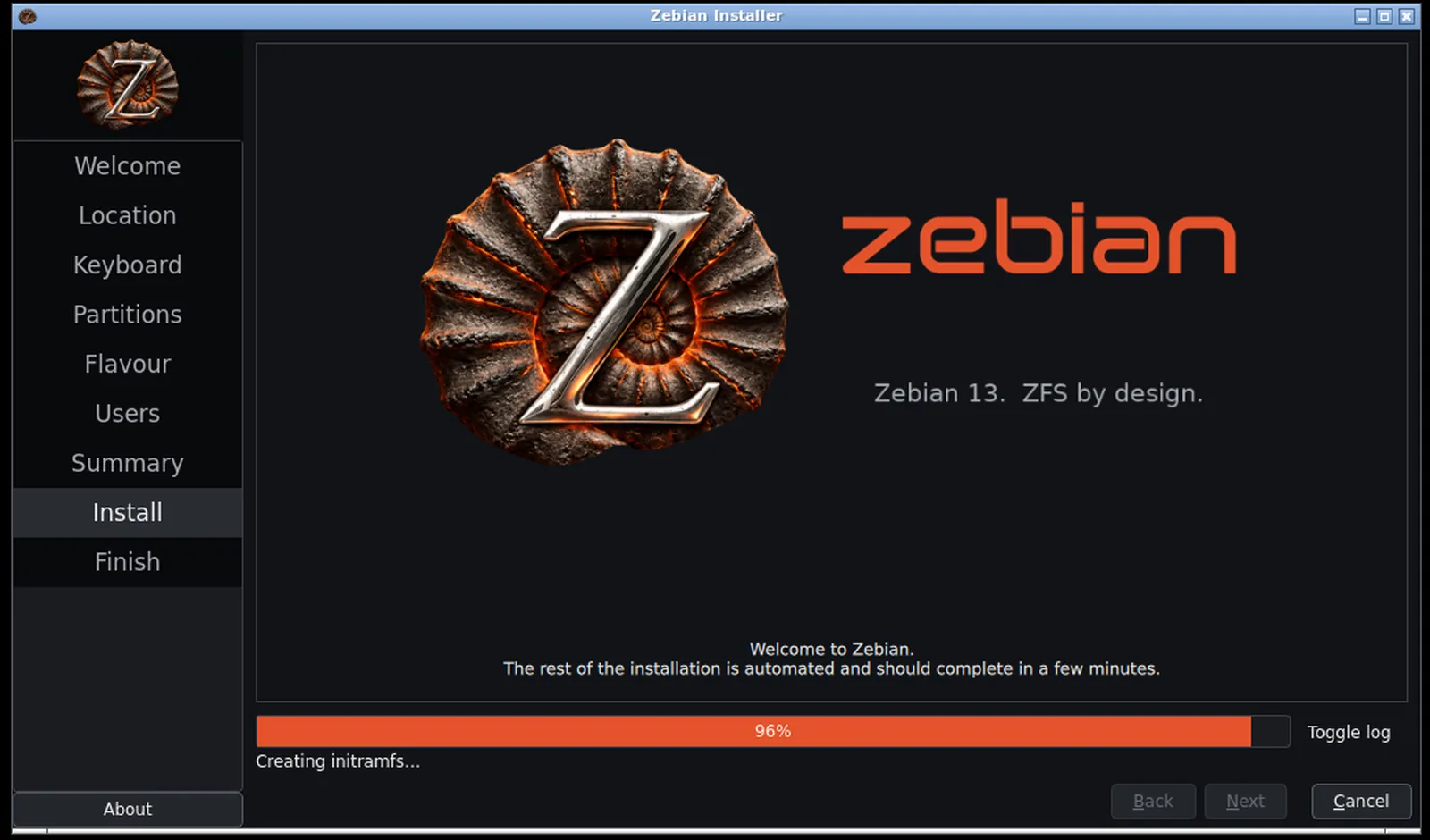
Zebian installer finishing, 96 percent
Simple installation
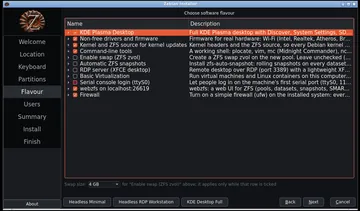
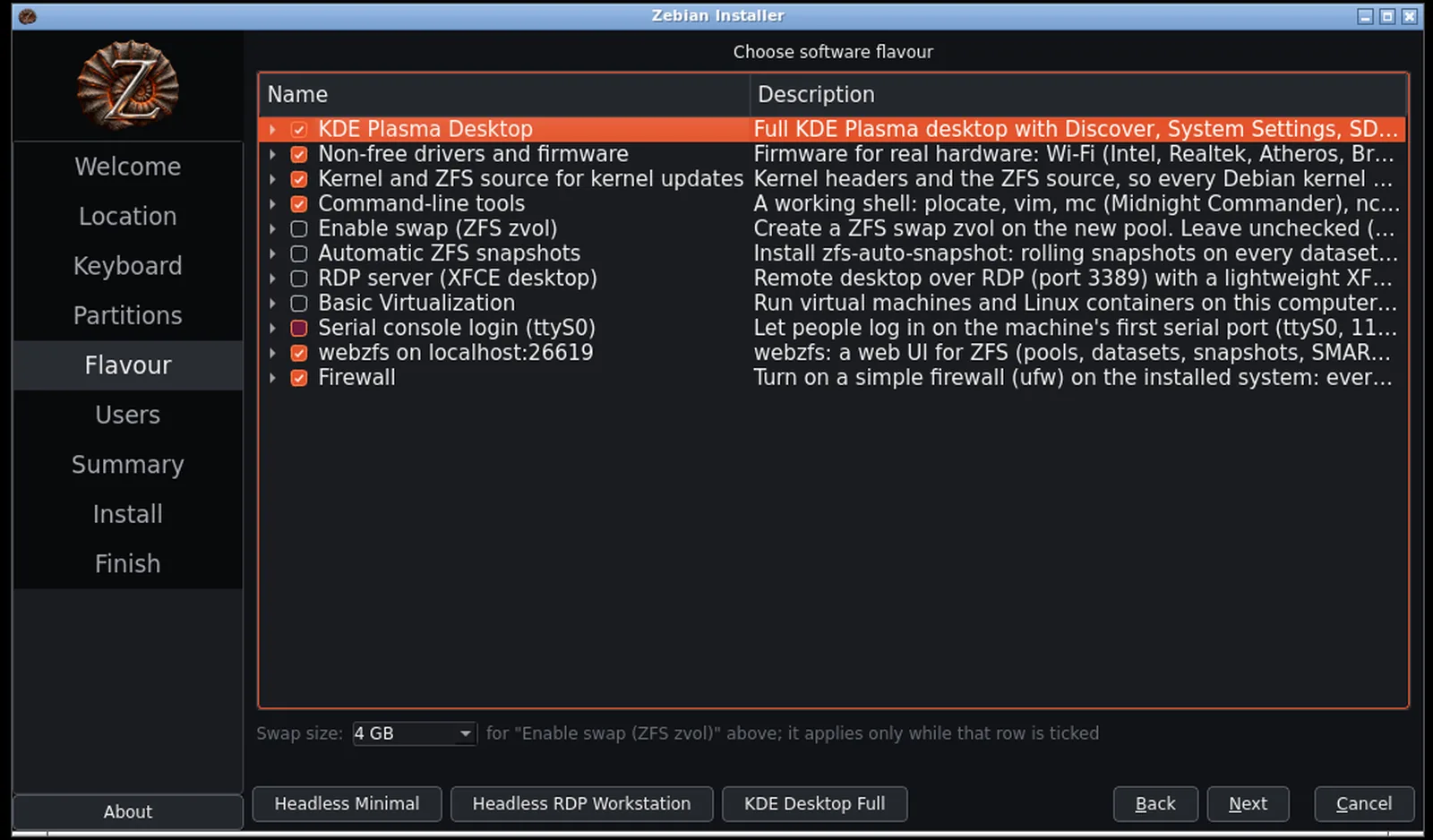
Installer software flavour list with optional components
Everything is optional
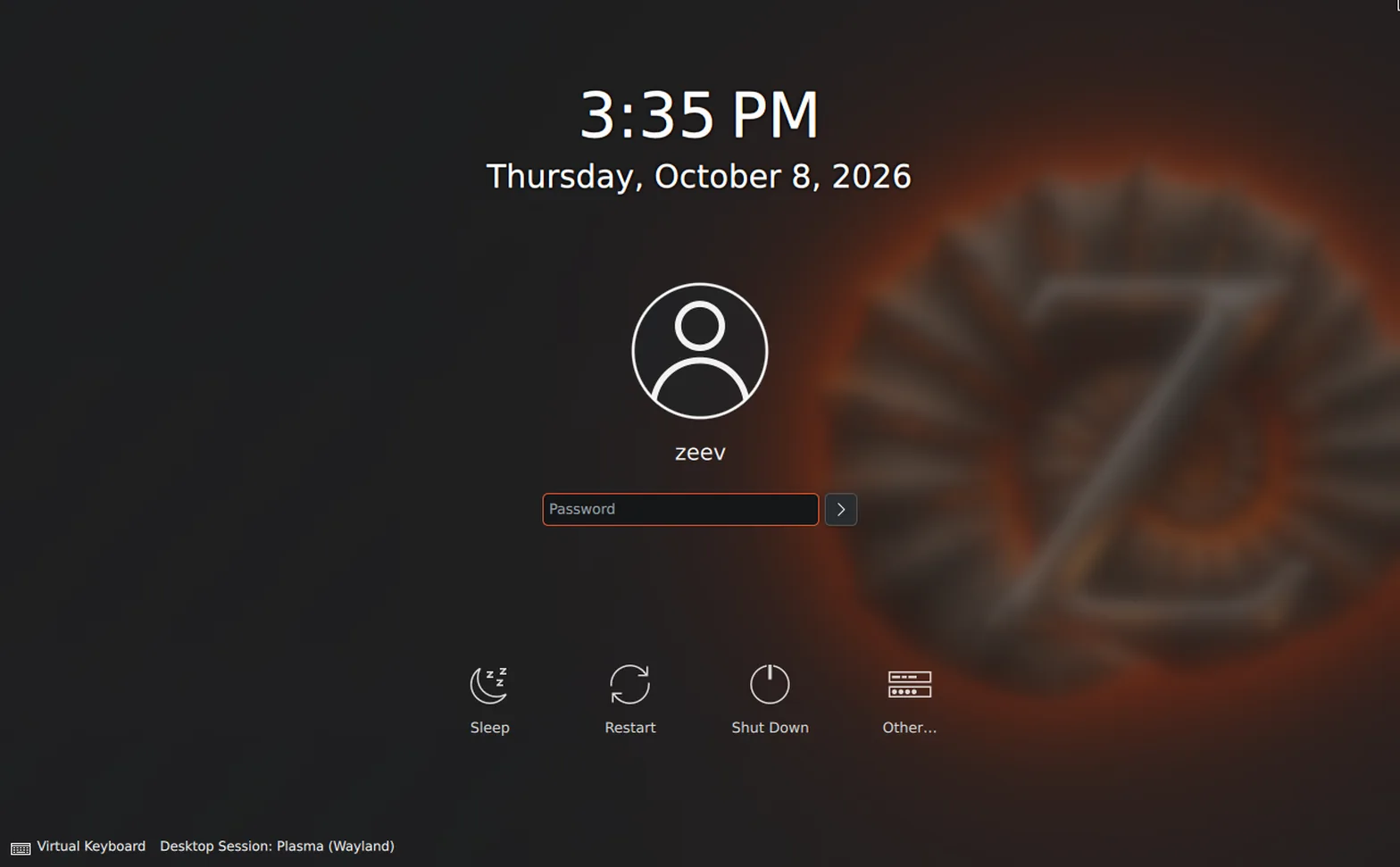
SDDM login screen, Plasma (Wayland) session
KDE Plasma (Wayland)
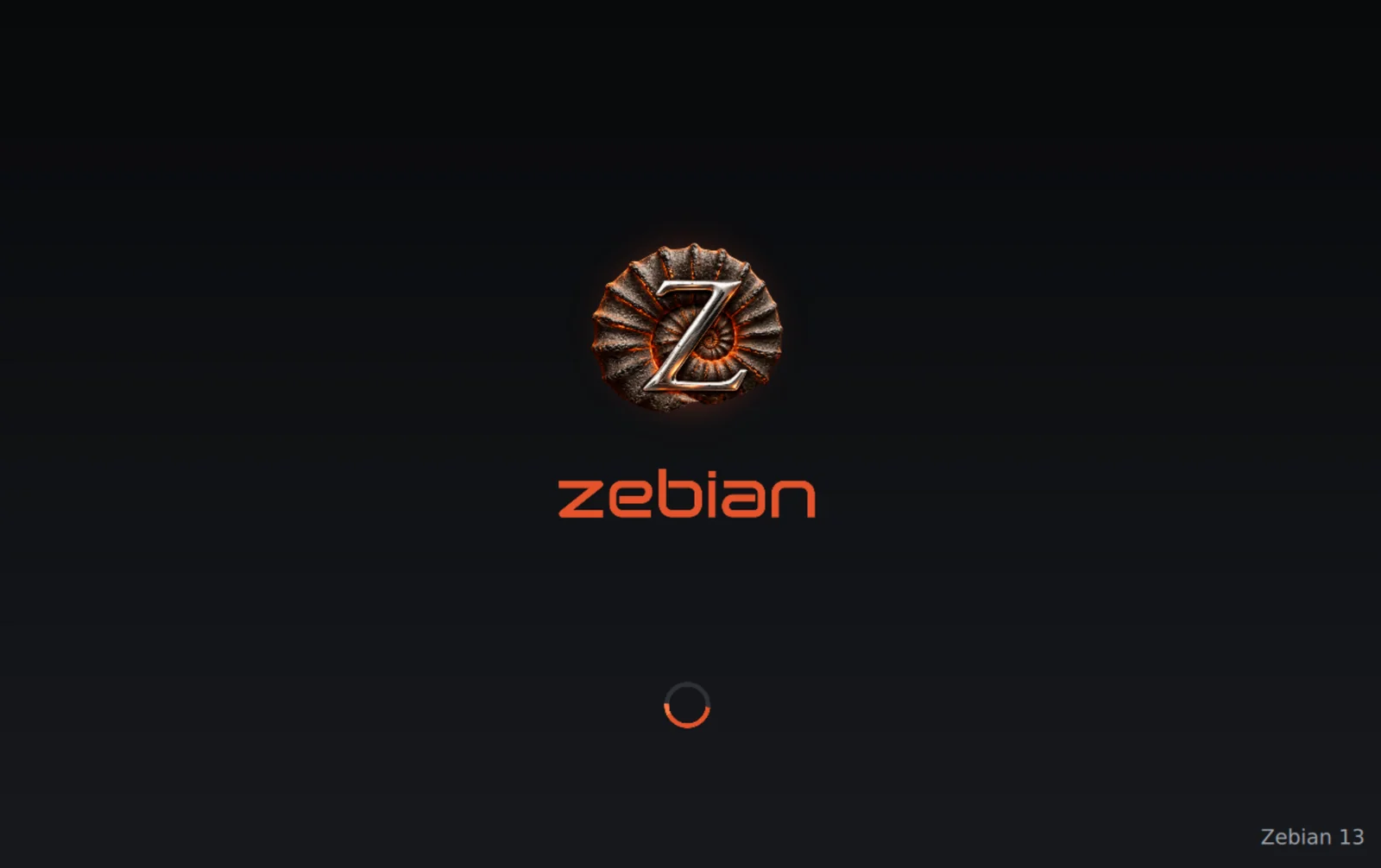
Zebian boot splash: ammonite emblem, ember wordmark and spinner
Consistent branding
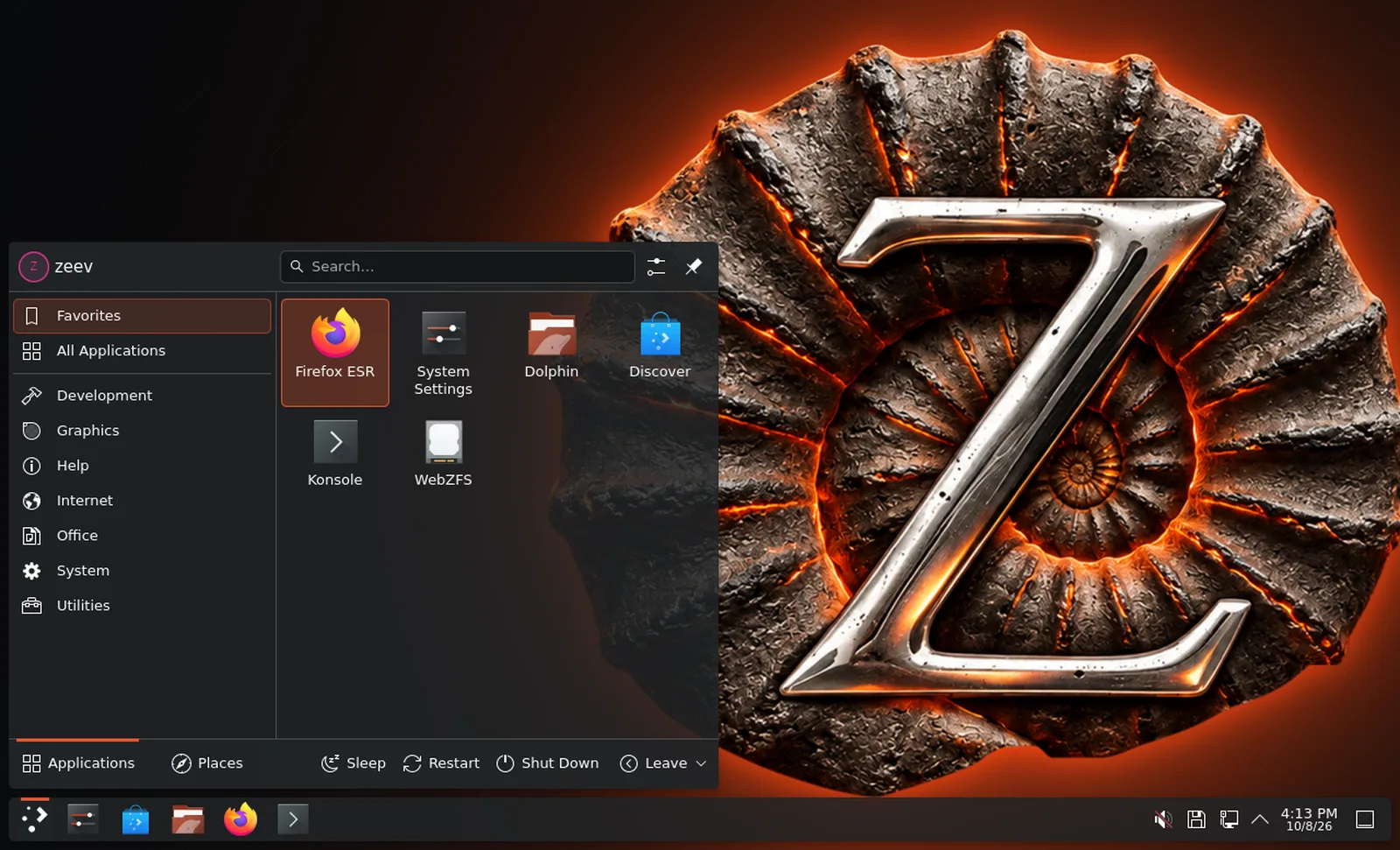
KDE Plasma desktop with application menu showing Discover and Firefox
Convenient defaults
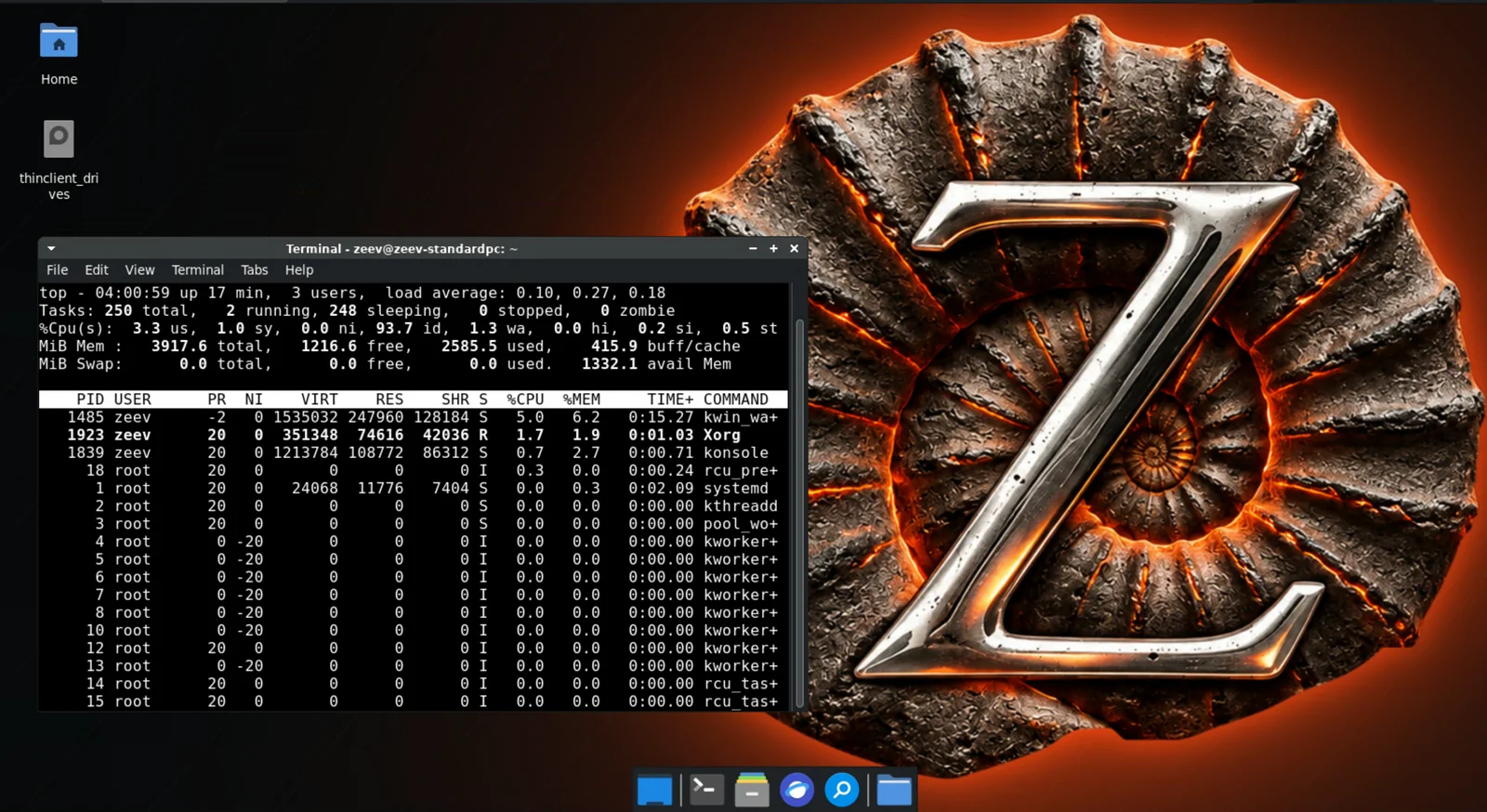
Remote desktop session to a Zebian XFCE desktop on the ammonite wallpaper, running top in a terminal
RDP server with lightweight X11 XFCE
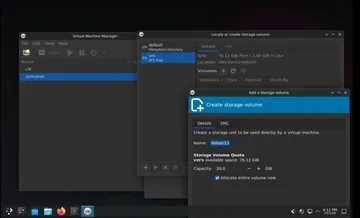
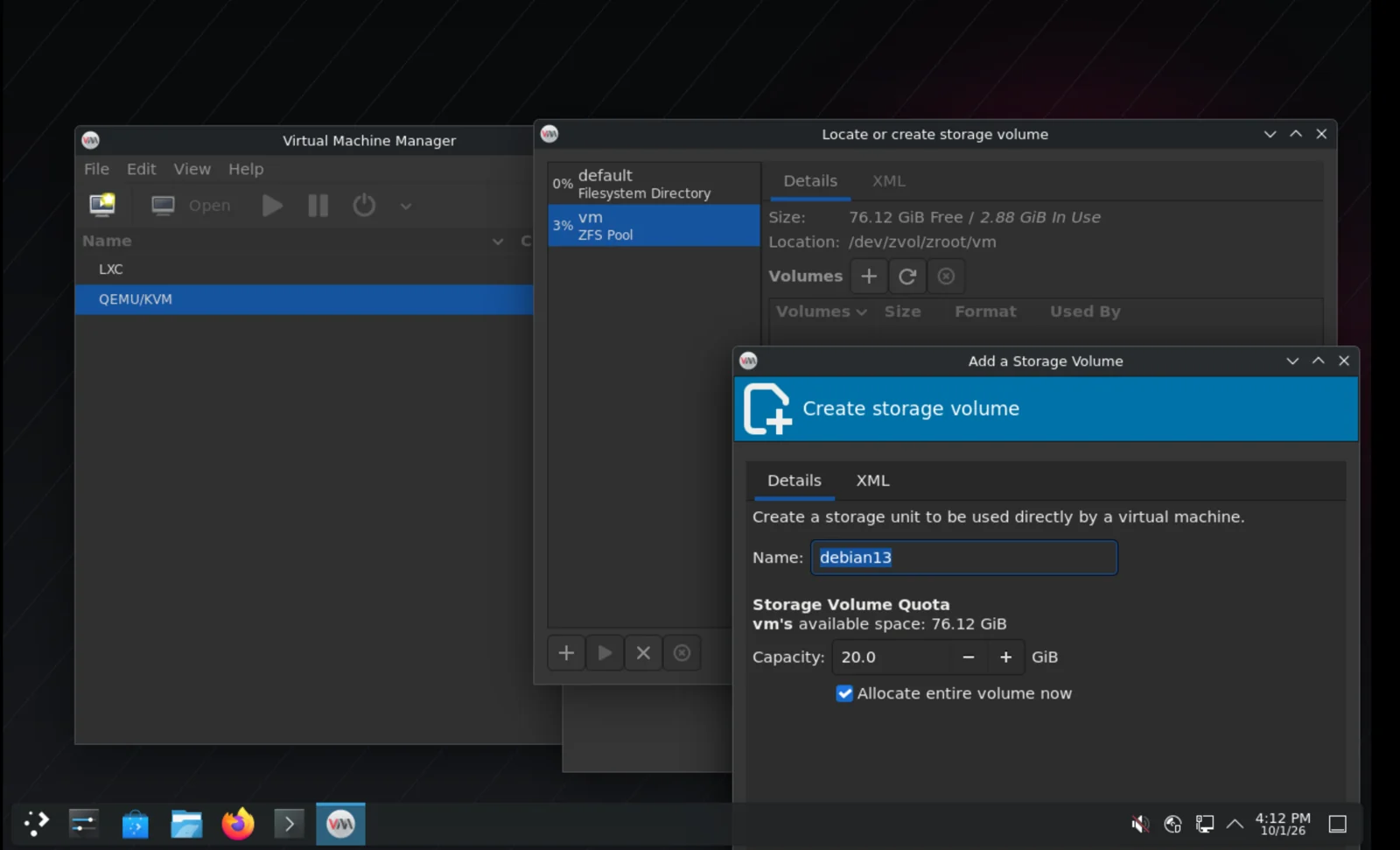
Virtual Machine Manager creating a volume in a ZFS pool
Virt-Manager preconfigured with KVM + LXC + zvols